Images
Our visuals should always reflect our values
Type
Style
People
Real, natural, authentic – no stock photos
Products
Neutral backgrounds, consistent style
Environments
Light, clean, clear – with subtle red overlays if needed
Symbolic Images
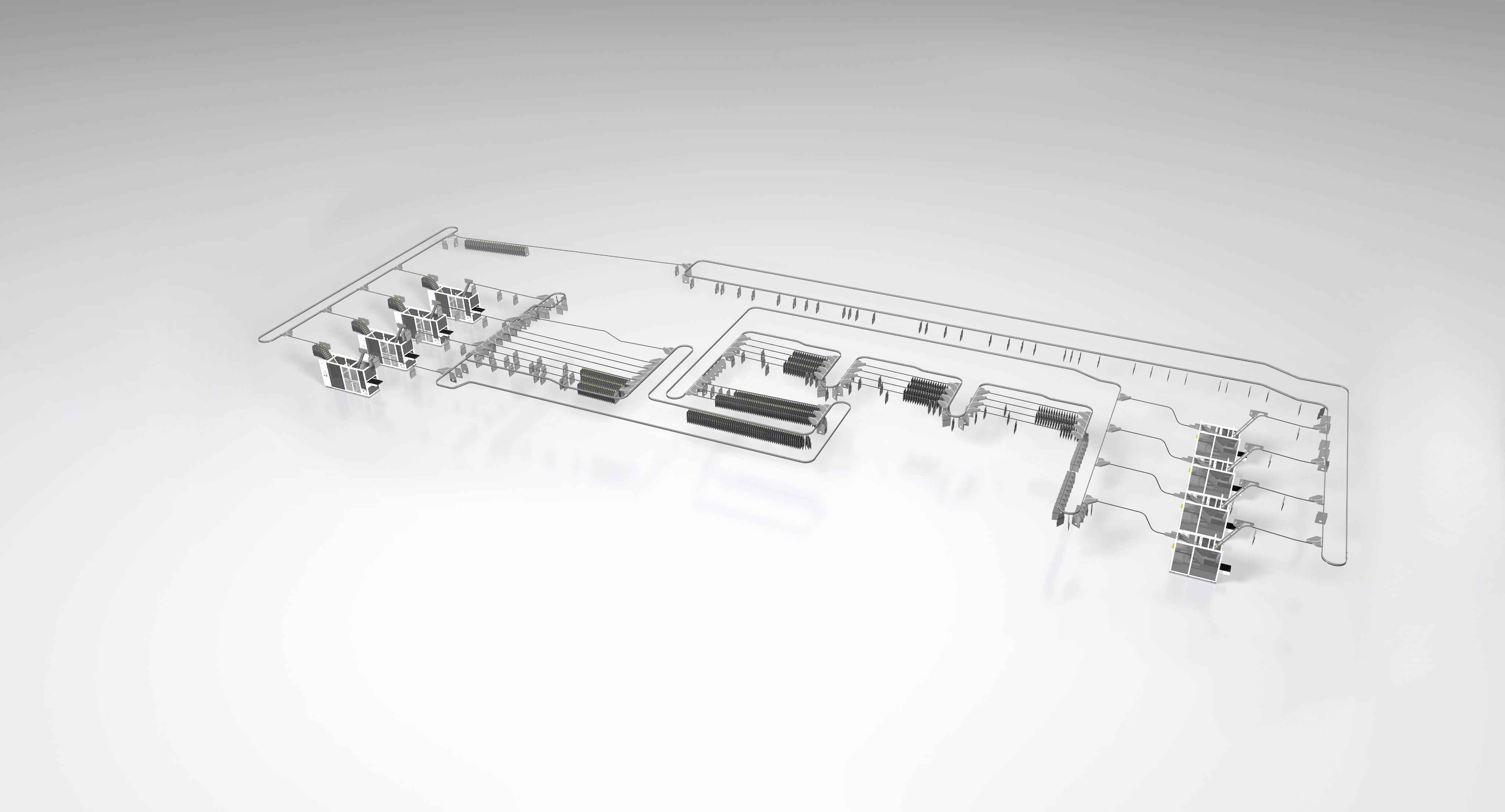
Use industry- or product-related symbolic visuals only when not referring to a specific project or customer. Style must be reduced, clean, modern, and to the point.
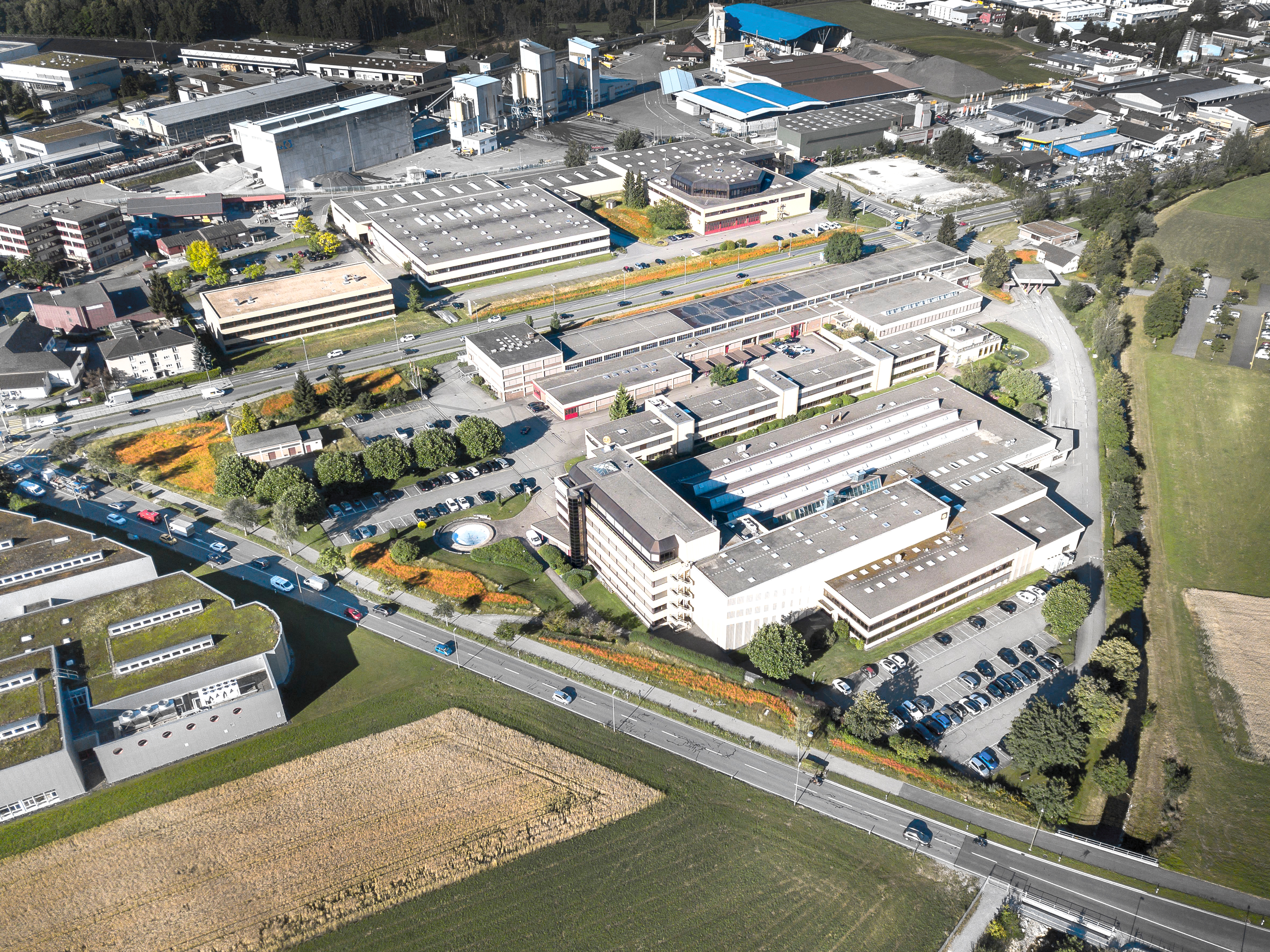
01 Long distance
The image template as a basis is accordingly corrected and adjusted. (brightness, contrast, ...) . Desaturate colour, but correct red, blue, green, yellow etc.. These colours should still be recognisable as such.
Depending on the image template (e.g. exterior or indoor photo) different settings are used:
- Tonal value correction (primary)
- Dynamic (primary)
- Photo filter Cooling (secondary)
Desaturate colour, but correct red, blue, green, yellow etc.. These colours should still be recognisable as such.


02 Close up
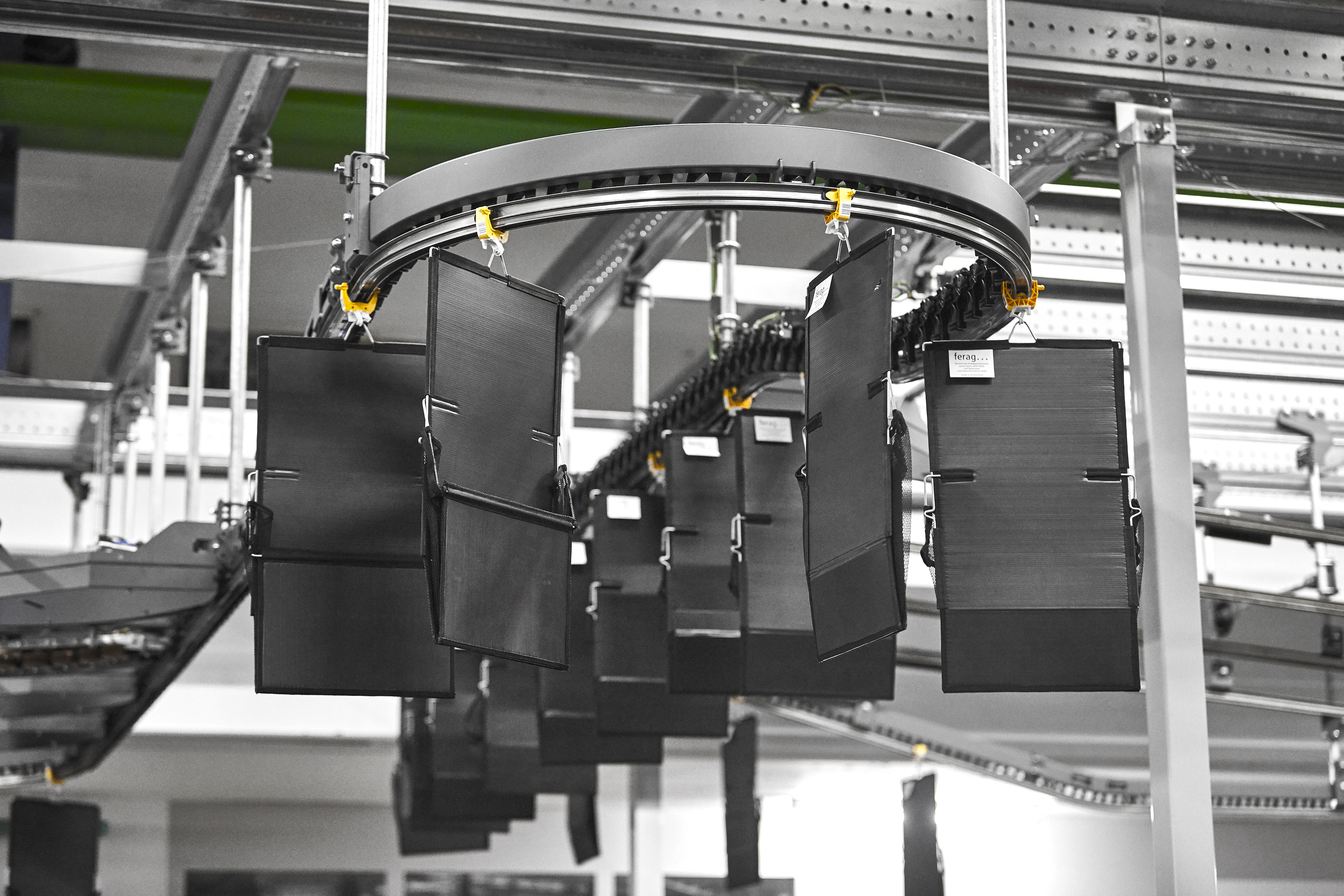
Close-ups always focus on the product. The image is desaturated and the defined colours are emphasised (analogous to the defined visual language).


03 Product details
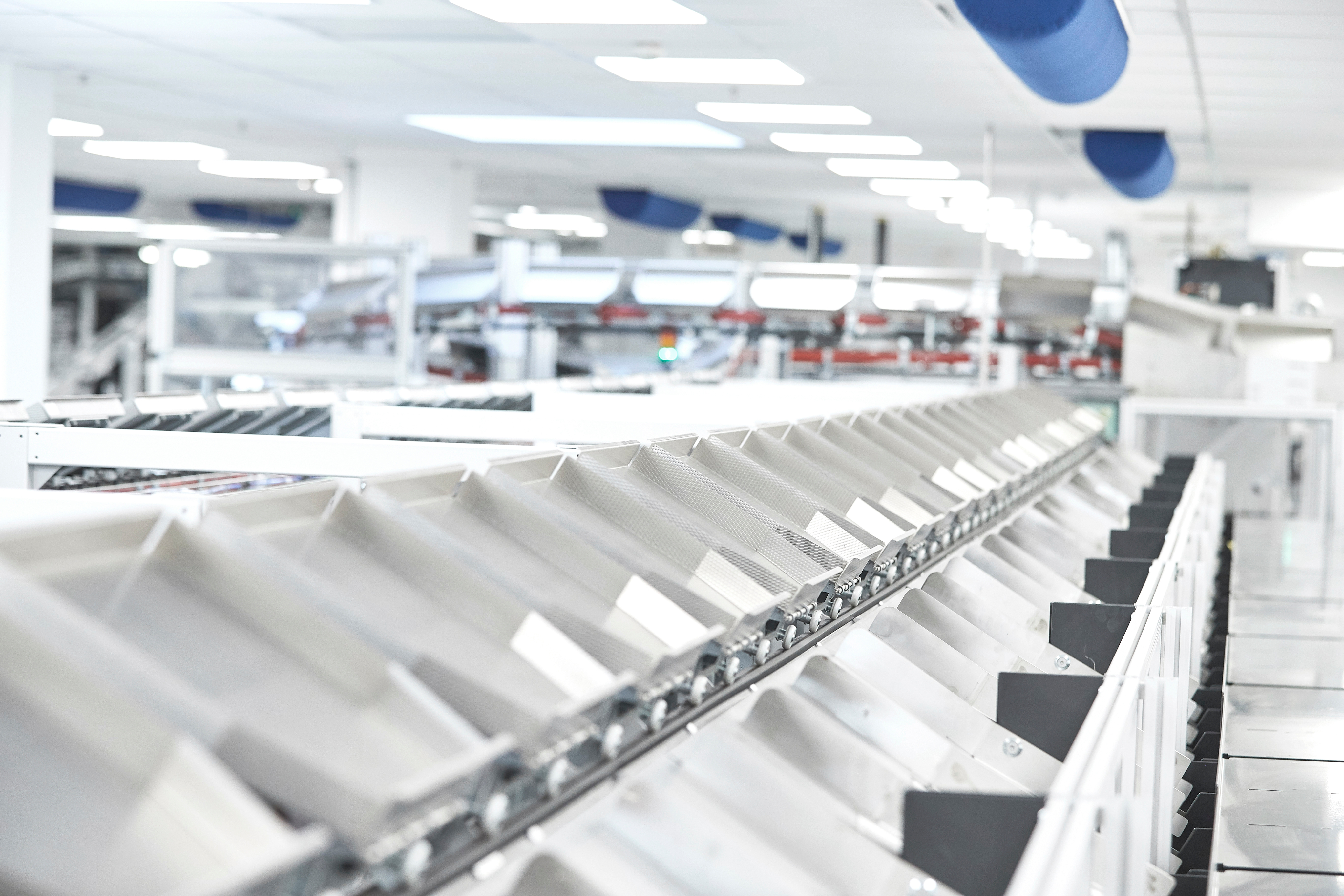
For technical focus (such as product images, technical details etc.) the colours remain in the original. Background always on white or light grey.



04 People
The image template as a basis is accordingly corrected and adjusted. (Brightness, contrast, desaturation and colour correction analogous to photos of the plants). Note on the required consents from persons
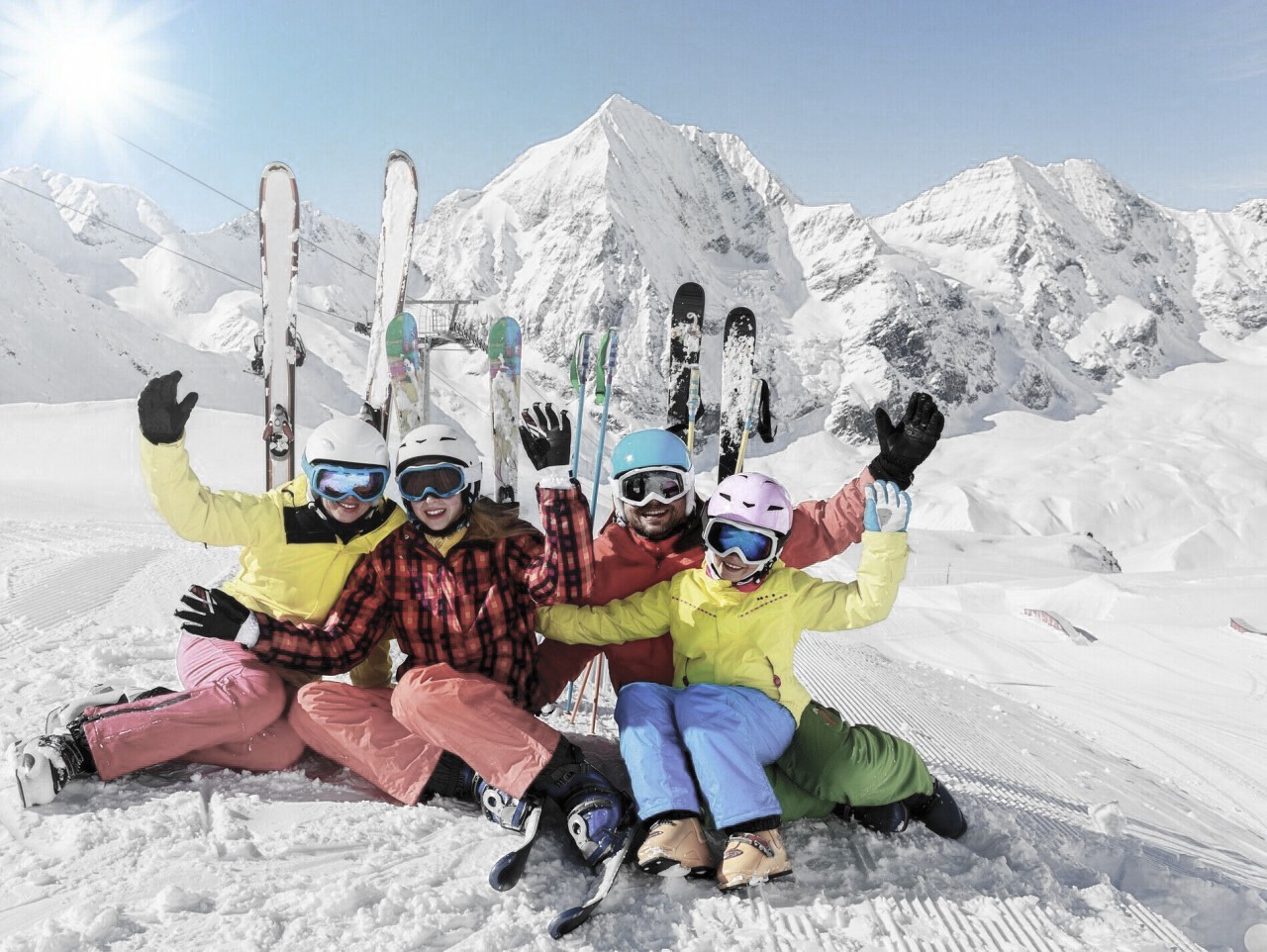
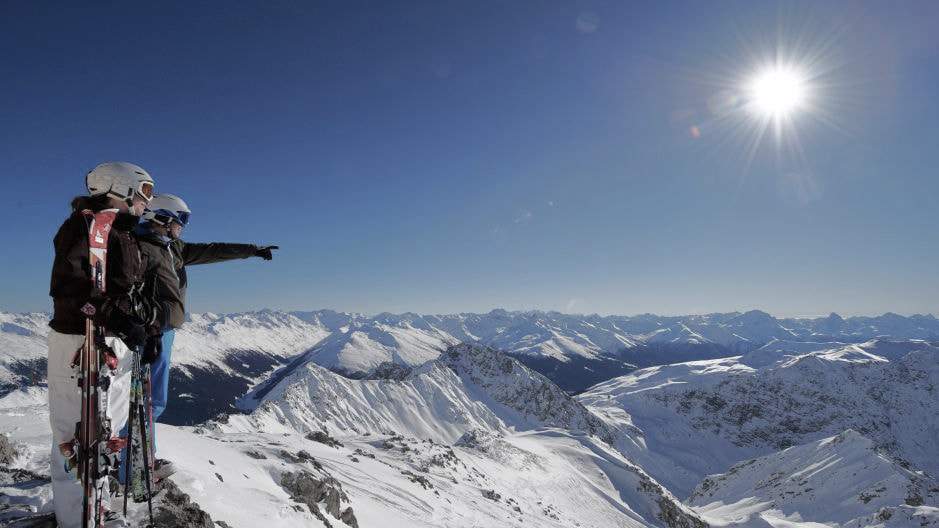
Primary Use: The focus in the picture is always the person/ people. Do not use close-ups

Icons
01 Icons
Predefined icons are only used when something needs to be symbolically indicated. Icons are only used in connection with words and not with blocks of text. If more icons are needed, please contact Marketing.
Download IconsPrimary
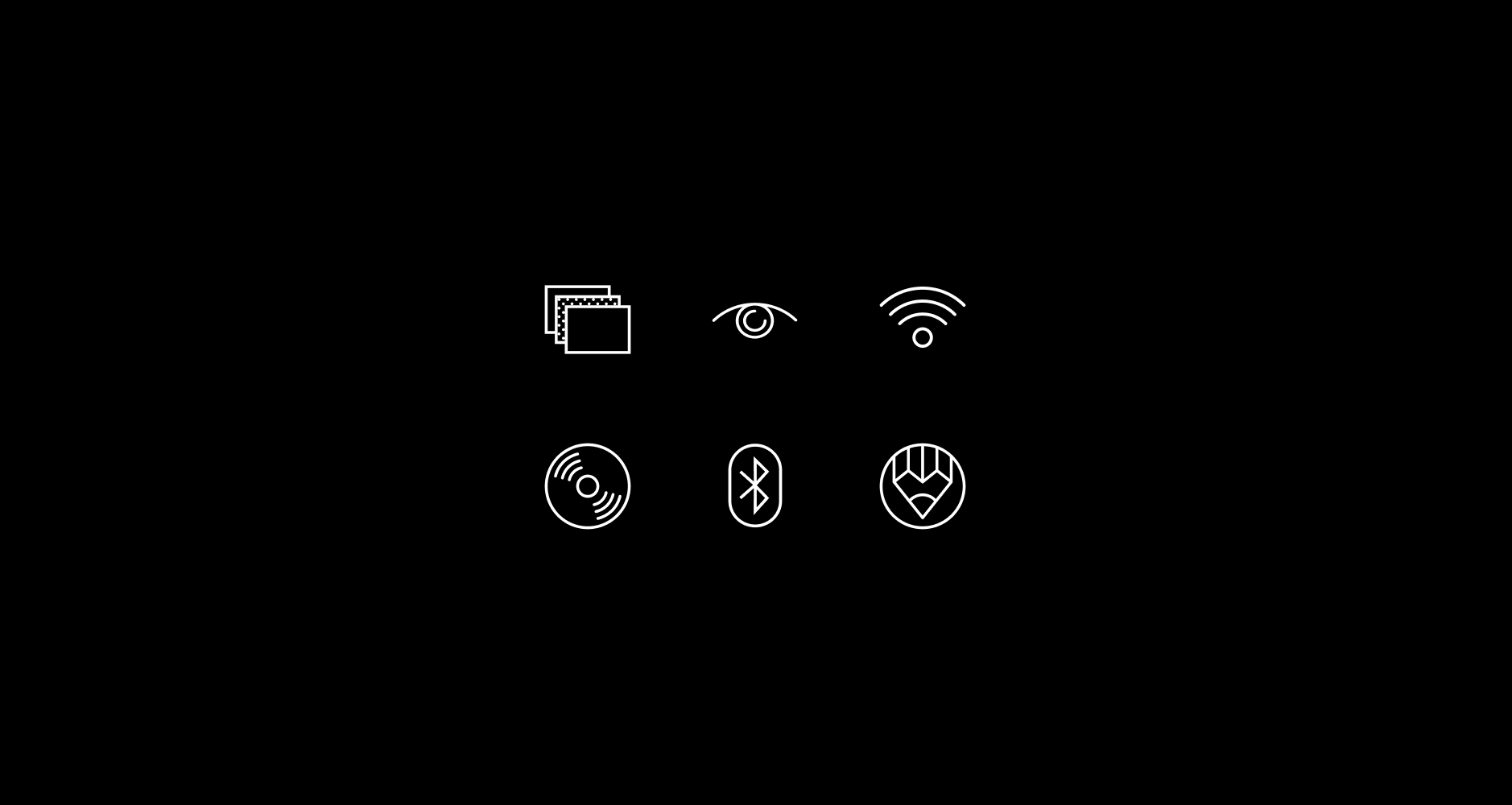
Icons only used with black background and white icon or white background and black icon
Illustration
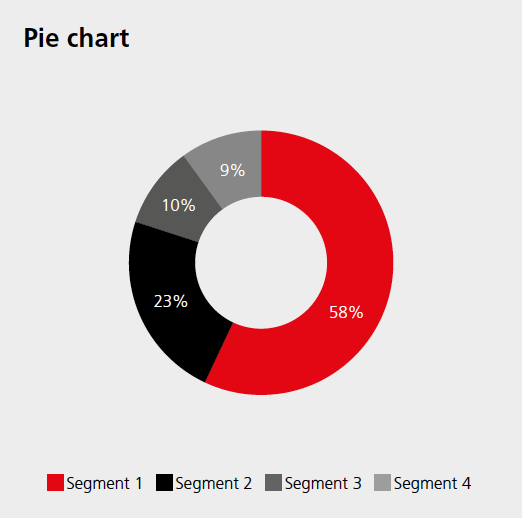
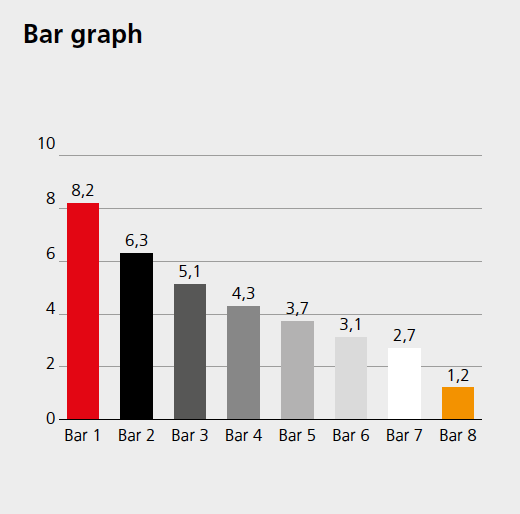
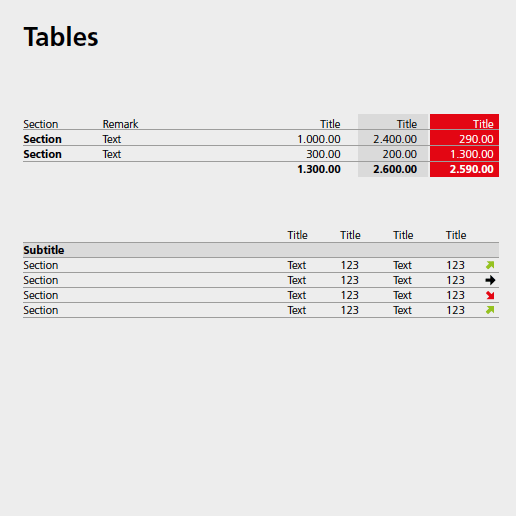
01 Charts, Graphs, Tables
The secondary colours can also be used here. The exact colour composition can be found in the ferag colours.
Learn more onFerag Tone of Voice



Product Details
Images
Our visuals should always reflect our values
Type
Style
People
Real, natural, authentic – no stock photos
Products
Neutral backgrounds, consistent style
Environments
Light, clean, clear – with subtle red overlays if needed
Symbolic Images
Use industry- or product-related symbolic visuals only when not referring to a specific project or customer. Style must be reduced, clean, modern, and to the point.
01 Long distance
The image template as a basis is accordingly corrected and adjusted. (brightness, contrast, ...) . Desaturate colour, but correct red, blue, green, yellow etc.. These colours should still be recognisable as such.
Depending on the image template (e.g. exterior or indoor photo) different settings are used:
- Tonal value correction (primary)
- Dynamic (primary)
- Photo filter Cooling (secondary)
Desaturate colour, but correct red, blue, green, yellow etc.. These colours should still be recognisable as such.
02 Close up
Close-ups always focus on the product. The image is desaturated and the defined colours are emphasised (analogous to the defined visual language).
03 Product details
For technical focus (such as product images, technical details etc.) the colours remain in the original. Background always on white or light grey.
04 People
The image template as a basis is accordingly corrected and adjusted. (Brightness, contrast, desaturation and colour correction analogous to photos of the plants). Note on the required consents from persons
Primary Use: The focus in the picture is always the person/ people. Do not use close-ups
Icons
01 Icons
Predefined icons are only used when something needs to be symbolically indicated. Icons are only used in connection with words and not with blocks of text. If more icons are needed, please contact Marketing.
Download IconsPrimary
Icons only used with black background and white icon or white background and black icon
Illustration
01 Charts, Graphs, Tables
The secondary colours can also be used here. The exact colour composition can be found in the ferag colours.
Learn more on Ferag Tone of Voice


Images
Our visuals should always reflect our values
Type
Style
People
Real, natural, authentic – no stock photos
Products
Neutral backgrounds, consistent style
Environments
Light, clean, clear – with subtle red overlays if needed
Symbolic Images
Use industry- or product-related symbolic visuals only when not referring to a specific project or customer. Style must be reduced, clean, modern, and to the point.
01 Long distance
The image template as a basis is accordingly corrected and adjusted. (brightness, contrast, ...) . Desaturate colour, but correct red, blue, green, yellow etc.. These colours should still be recognisable as such.
Depending on the image template (e.g. exterior or indoor photo) different settings are used:
- Tonal value correction (primary)
- Dynamic (primary)
- Photo filter Cooling (secondary)
Desaturate colour, but correct red, blue, green, yellow etc.. These colours should still be recognisable as such.
02 Close up
Close-ups always focus on the product. The image is desaturated and the defined colours are emphasised (analogous to the defined visual language).
03 Product details
For technical focus (such as product images, technical details etc.) the colours remain in the original. Background always on white or light grey.
04 People
The image template as a basis is accordingly corrected and adjusted. (Brightness, contrast, desaturation and colour correction analogous to photos of the plants). Note on the required consents from persons
Primary Use: The focus in the picture is always the person/ people. Do not use close-ups
Icons
01 Icons
Predefined icons are only used when something needs to be symbolically indicated. Icons are only used in connection with words and not with blocks of text. If more icons are needed, please contact Marketing.
Download IconsPrimary
Icons only used with black background and white icon or white background and black icon
Illustration
01 Charts, Graphs, Tables
The secondary colours can also be used here. The exact colour composition can be found in the ferag colours.
Learn more on Ferag Tone of Voice
